Strategy
Part of Real Estate SEO: A Practical Operating Framework
Real Estate SEO Tools: Two Search Consoles
Real estate SEO tools like Google Search Console and Bing Webmaster Tools show search visibility and indexing, not lead sources or closed deals.
What to take away
- Search Console reports Google Search data only; Bing Webmaster Tools reports Bing data only. Neither covers the other, and neither covers your CRM.
- Verified ownership is the gate on both. An agent who cannot verify the property sees nothing, so decide who holds the account before you need the data.
- Both tools export. Pull a month of queries and indexed URLs before you commit a process to either one, because retention and sampling change.
- A structured-data test and a live page check catch what a search-performance report cannot: markup that describes a listing you already sold.
- Pick the smallest tool set that answers a decision you actually make, such as whether to rewrite a community page or retire it.
Real estate SEO tools such as Search Console and Bing Webmaster Tools show data from their own search engines, not a complete view of site performance or lead conversion. Both are free, but they answer different questions: a real estate team that treats them as interchangeable can misread why a listing page lost traffic.
What Search Console actually reports
Google's Search Console shows how a verified property performs in Google Search. It reports queries, pages, countries, devices, and search appearances. It inspects a single URL for indexed and live status.
It does not report every query, every visitor, or any business outcome. Test the property boundary before you trust a number: one verified property, one set of roles, one export.
What Bing Webmaster Tools actually reports
Microsoft's Bing Webmaster Tools covers several areas for Bing. These include search performance, URL inspection, site exploration, and sitemaps. It also covers scans, guidelines, and URL submission.
It reports Bing's systems and the account data attached to them. It says nothing about Google performance and nothing about your funnel. Check verification method, API access, retention, and user roles before you build a routine on it.
Where the two diverge
Evidence it gives
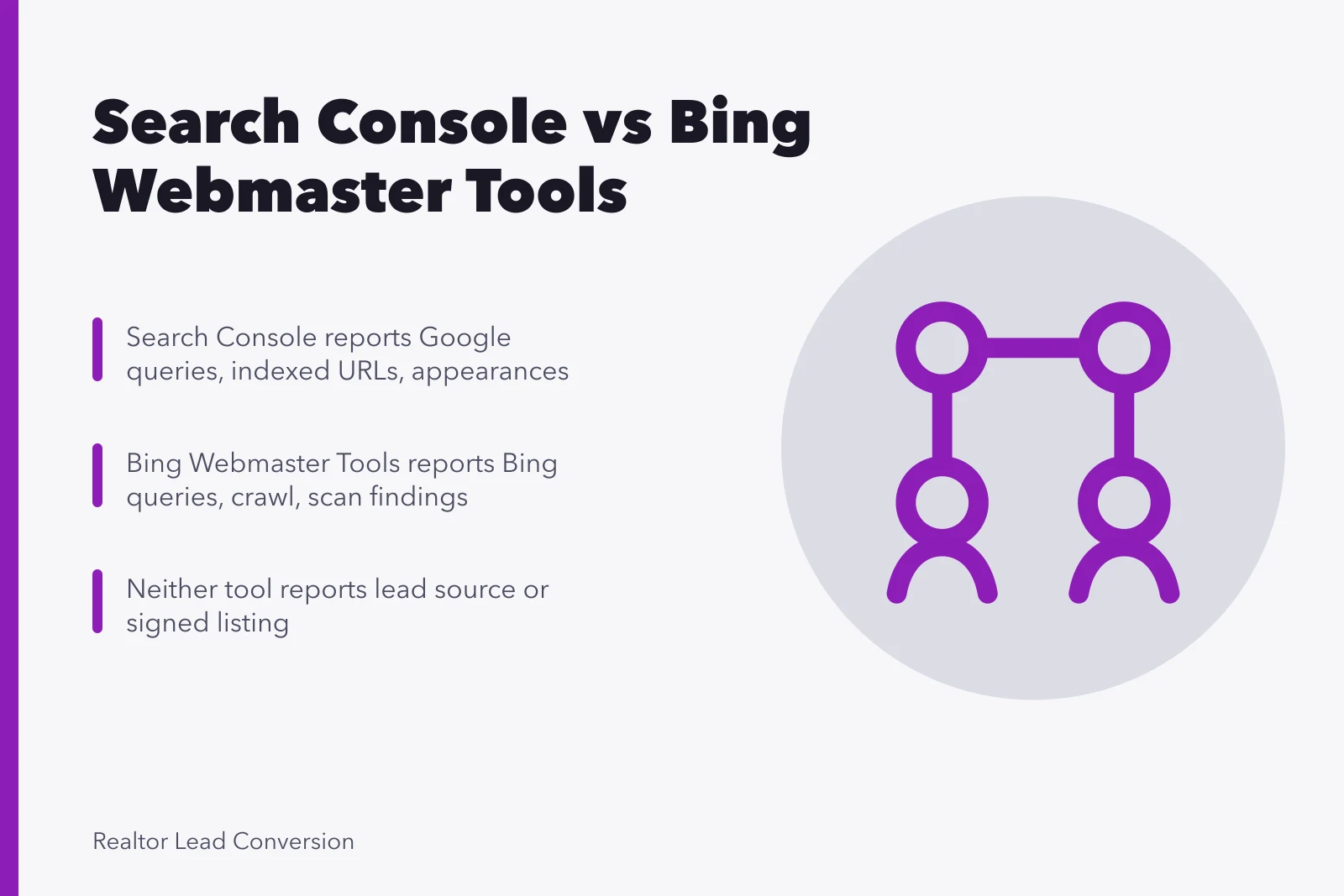
- Search Console
- Google queries, indexed URLs, appearance data
- Bing Webmaster Tools
- Bing queries, crawl and scan findings
What it cannot tell you
- Search Console
- Bing traffic, lead source, appointment
- Bing Webmaster Tools
- Google traffic, lead source, appointment
Run both against the same page set for one month. Compare query definitions, canonical treatment, data freshness, and export format. The gaps you find are the gaps in any report you build on top.
Search Console vs Bing Tools
Search Console
- Evidence
- Google queries, indexed URLs
- Cannot tell
- Bing traffic, lead source
- Appointments
- No
- Same page set
- Compare one month
Bing Webmaster Tools
- Evidence
- Bing queries, crawl findings
- Cannot tell
- Google traffic, lead source
- Appointments
- No
- Same page set
- Compare one month
The listing problem neither tool solves
A search-performance report can show impressions climbing on a page for a home that closed in March. The tool reports the URL, not the status. Reconciliation happens in the MLS and on the page.
Check the published status against the authorized facts in the MLS record. If they disagree, fix the page first. Search data will follow the correction, not lead it.
Using search data in lead-conversion decisions
Search Console and Bing Webmaster Tools show search visibility and page status, not lead source or deal outcome. For realtor lead conversion, compare their page-level evidence with the source and outcome fields your team records in its CRM.
Use that comparison to decide which community or listing pages deserve a closer look, then confirm page status against the MLS record. Search tools can show traffic changes; your CRM and transaction records are places to check whether visits became inquiries or clients and whether a transaction closed.
Common questions
Which tool should a real estate team check first?
Start with Search Console if Google is your traffic source, because it is the only place that shows Google query data for a verified property. Add Bing Webmaster Tools when Bing traffic or crawl behavior matters to a decision. Neither replaces the MLS record or the CRM.
Can one dashboard report all search traffic?
No. Google and Bing collect and aggregate differently, and both omit queries for privacy reasons. Keep the source boundary visible on any dashboard you build. A blended traffic number hides which engine moved.
Are automated audit scores enough to act on?
No. Open the underlying finding and check the live page, its purpose, and its current listing status. A score cannot tell you that a page describes a sold home. Verify the source fact before you prioritize the fix.
Do these tools need legal review?
No, but the consent and advertising rules around the leads they generate do. TCPA consent for calls and texts, CASL consent records in Canada, and CFPB advertising expectations all apply to how you contact the people who arrive. Confirm current requirements with a licensed attorney in your jurisdiction.